Ways to Optimize checkout page for conversions
Losing sales at checkout? Learn how to optimize checkout page to reduce cart abandonment and increase conversions instantly. Boost your online store sales by optimizing your checkout page with simple and effective conversion-focused techniques.

LogicWave It Solutions
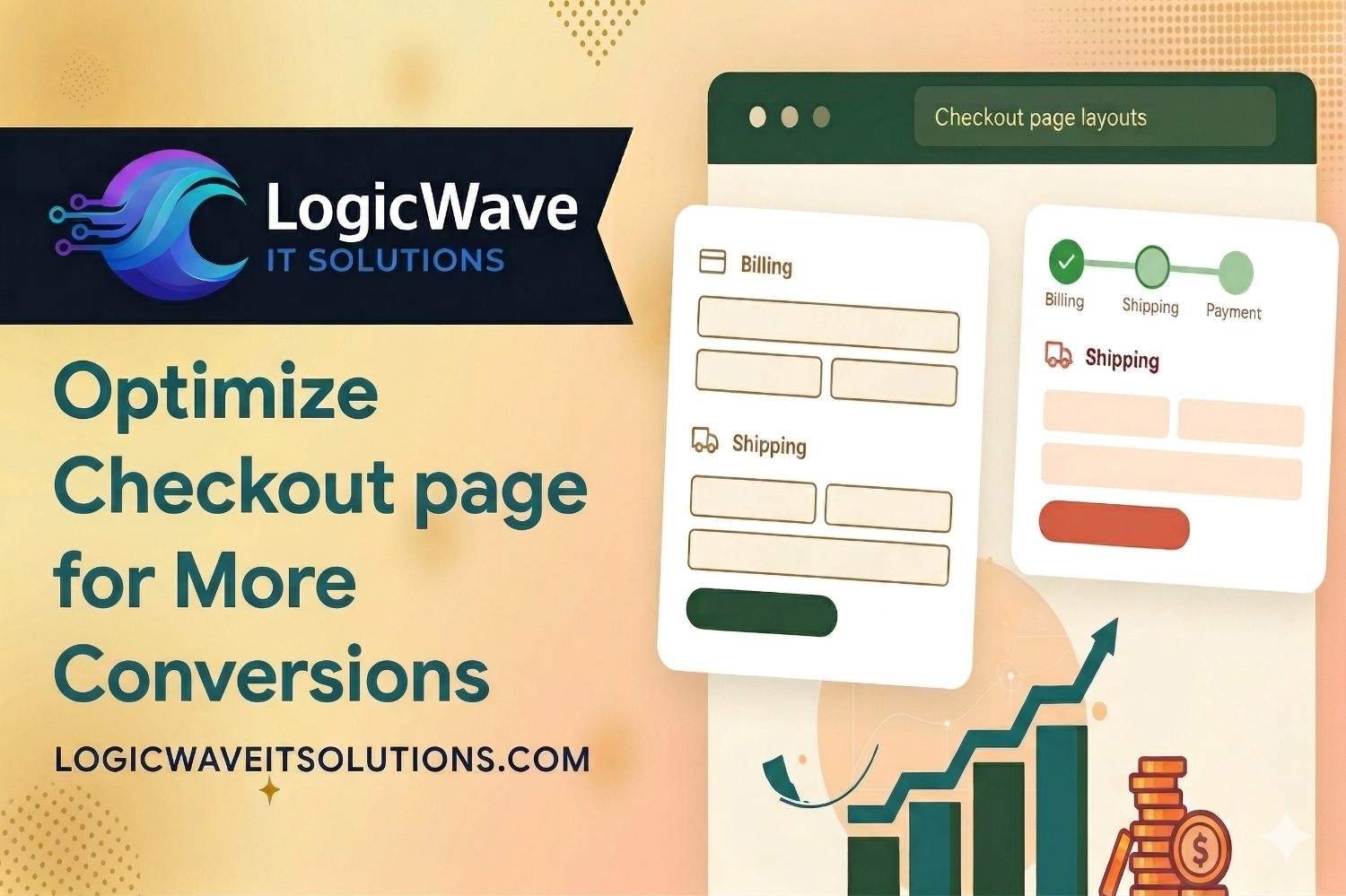
1. Simplify the Checkout Process
A long or complicated checkout process is one of the biggest reasons for cart abandonment. Reduce unnecessary steps and keep the process as short as possible. Use a clean layout, remove distractions, and only ask for essential information so customers can complete their purchase quickly and easily.
2. Enable Guest Checkout
Forcing users to create an account can discourage them from completing their purchase. Enable guest checkout to allow users to buy without registration. You can always offer account creation after the order is completed to improve user experience and conversions.
3. Reduce Form Fields
Asking for too much information can frustrate users and slow down the checkout process. Only request essential details like name, email, address, and payment information. Fewer form fields lead to faster checkouts and higher conversion rates.
4. Offer Multiple Payment Options
Customers prefer flexibility when it comes to payment. Provide multiple payment options such as UPI, credit/debit cards, net banking, and wallets. The more convenient the payment process, the more likely customers are to complete their purchase.
5. Add Trust Signals and Security Badges
Trust is crucial at the checkout stage. Display security badges, SSL certificates, and payment icons to reassure customers that their information is safe. Adding guarantees like “100% secure payment” or “money-back guarantee” can reduce hesitation and increase conversions.
6. Show Transparent Pricing
Unexpected costs like shipping fees or taxes at the final step can cause users to abandon their carts. Clearly display all costs upfront, including delivery charges and taxes, to avoid surprises and build trust with your customers.
7. Optimize for Mobile Checkout
A large number of users shop on mobile devices, so your checkout page must be fully responsive. Ensure buttons are easy to tap, forms are simple to fill, and the overall experience is smooth. A mobile-friendly checkout can significantly boost conversions.
8. Use Autofill and Address Validation
Autofill features and address validation tools help users complete forms quickly and accurately. These features reduce errors, save time, and improve the overall user experience, making it easier for customers to finish their purchase.
9. Highlight Clear Call-to-Action
Your checkout button should stand out and clearly guide users to complete their purchase. Use strong action phrases like “Place Order” or “Complete Purchase” and make sure the button is visually prominent to encourage clicks.
10. Enable Cart Recovery Options
Even with optimization, some users will leave before completing checkout. Use cart recovery tools like email reminders or exit-intent popups to bring them back. Offering a small discount or incentive can help recover lost sales.
11. Improve Page Load Speed
A slow checkout page can frustrate users and lead to drop-offs. Optimize images, scripts, and hosting performance to ensure fast loading times. A quick and responsive checkout experience keeps users engaged and increases conversions.
12. Provide Order Summary and Edit Options
Show a clear order summary so users can review their items, pricing, and details before placing the order. Allow easy editing of cart items without leaving the checkout page to improve user convenience and confidence.


Recent Posts
Ways to Optimize checkout page for conversions
LogicWave It Solutions • March 26, 2026
How to increase WooCommerce sales
LogicWave It Solutions • March 23, 2026

How to secure WordPress website
LogicWave It Solutions • March 23, 2026
Custom Theme vs Pre-Built Theme – Which Should You Choose?
LogicWave It Solutions • March 22, 2026